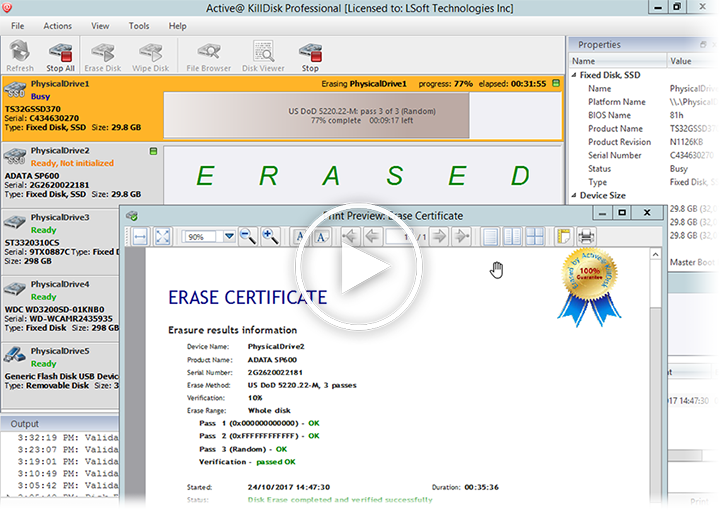
Powerful and portable software that allows you to destroy all data on Hard Disks, Solid State Disks (SSD) & USB disks and Memory Cards, excluding any possibility of deleted files and folders data recovery. Active@ KillDisk is a disk sanitation and partition eraser utility, supporting U.S. DoD 5220.22-M and more than 20 international data sanitizing standards. Licensing assumes no extra cost per erase!
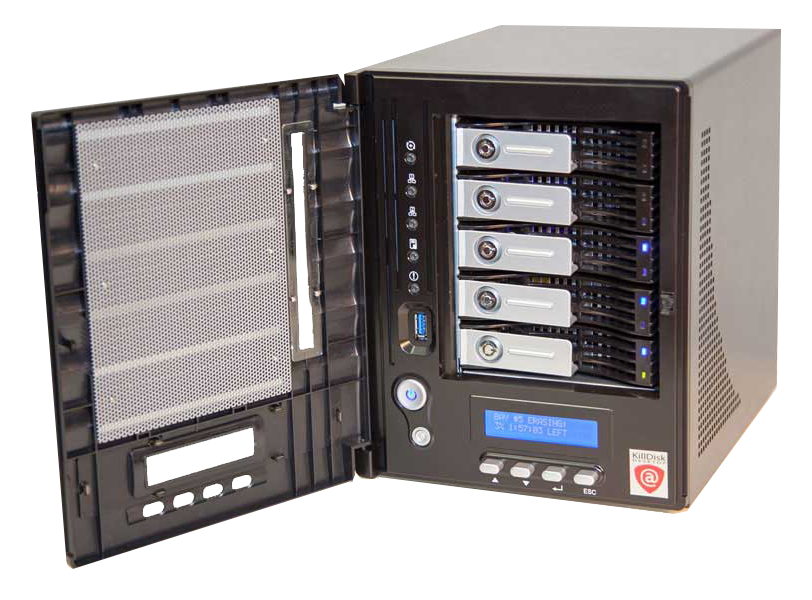
KillDisk Industrial Desktop brings a complete and affordable industrial-grade disk sanitation hardware solution to the consumer market. Highly customizable for any context, supporting U.S. DoD erasure and fully automated operation, this system is a must-have for any organization with strong disk erasure requirements. Licensing policy assumes no extra cost per disk erase!
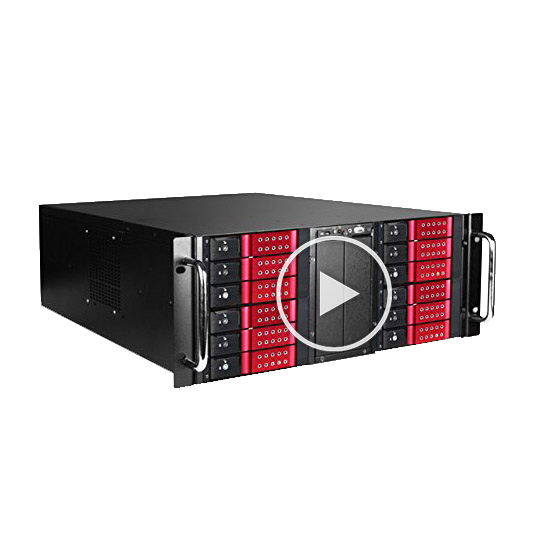
KillDisk Industrial System is an affordable industrial-grade disk sanitation hardware solution combined with Industrial Software and supporting parallel erasure of up to 25 HDD/SSD disks. Rack mountable solutions, 3U & 4U form factors. Customizable, quiet & energy efficient. Supports U.S. DoD 5220-22M erasure and 20+ more international sanitizing standards. Supports fully automated operations. Licensing policy assumes no extra costs per disk erase!
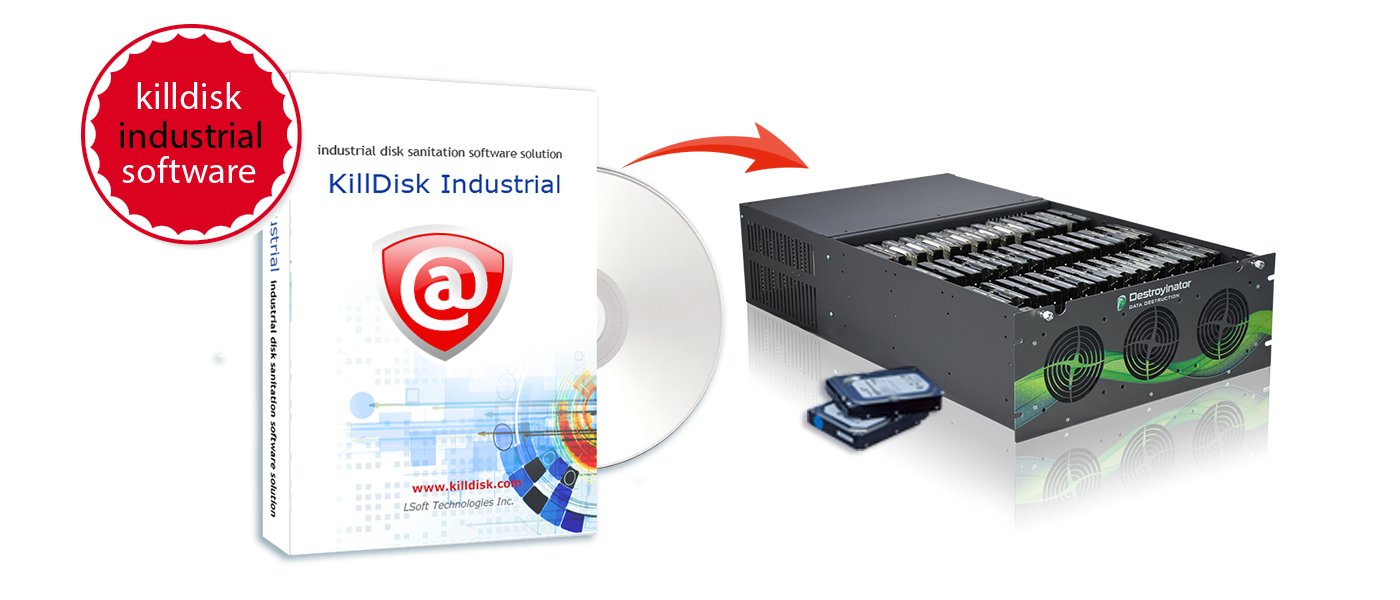
KillDisk for Industrial Systems is an affordable industrial-grade disk sanitation software solution, supporting parallel erasure of up to 200 HDD/SSDs. Designed for Windows and Linux platforms, industrial solution is highly customizable and supports US DoD 5220.22-M (and 20+ more international standards) and allows for fully automated operation. Supports Barcodes & QR codes for Certificates & Disk Labels for easy tracking. Erase journal can be exported to any external SQL database. Remote control and monitoring of erase processes from the web browser.
| Active@ KillDisk | KillDisk Industrial | KillDisk Industrial Desktop / System | |
|---|---|---|---|
|
Disk Erase (disk's surface complete sanitation) for HDD, SSD, M.2 & USB disks |
|||
|
Support for 24 Sanitation Standards including US DoD 5220.22M and NIST 800-88 |
|||
|
Erase Verification, Resume Interrupted Erase & Disk Hidden Zones Reset |
|||
|
Support for low-level ATA Secure Erase for Solid State Drives (SSD) |
|||
|
Erases SATA/SAS/SCSI/NVMe/USB disks which use 512-bytes or 4096-bytes sectors |
|||
|
High performance parallel erasing of multiple disks at the same time |
|||
|
Disk Wipe (unused clusters sanitation) on live volumes for most file systems |
|||
|
Supports PDF Certificates & XML exports, emailing results, reports customization |
|||
|
Encrypting PDF Certificates with passwords & signing PDF with Digital Signatures |
|||
|
Displays and monitors health status for all disks based on a S.M.A.R.T. info |
|||
|
Disk sectors and volumes can be inspected on a low level in advanced Disk Viewer |
|||
|
Prints customizable Sticky Labels for HDD/SSD in different formats |
|||
|
Supports Barcodes & QR codes for Certificates & Disk Labels for easy tracking |
|||
|
Supports preliminary Disk Examination for bad sectors & Examine Grading |
|||
|
Controls erase process based on S.M.A.R.T. parameters & minimal erase speed |
|||
|
Customizable Disk Batches provide similar operations over group of disks |
|||
|
Disk Cloning from different sources - optional step after disk erase is complete |
|||
|
Auto Erase allows to discover & erase hot-swappable disks automatically |
|||
|
Event Journal for all past operations and Journal Export to external databases |
|||
|
Web Service allows to monitor and control workstation remotely via HTTP |
|||
|
Self-contained Hardware Box with optional System Control Center |
|||
|
Exports erase journal in CSV log file to a specific location |
|||
|
Supports Command Line Mode operations and Scripting |
|||
|
Console supports legacy 32-bit PC architecture (x86) to run on |
|||
|
Ability to start from Bootable CD/DVD/BD/USB and erase disks on any PC |
|||
|
Freeware or Demo product version provided for evaluation |
|||
Recommended |
Active@ KillDisk | KillDisk Industrial | KillDisk Industrial Desktop / System |
|
Erasing disks in parallel |
* Per # of licenses | 7 to 100+ | 7 to 25 |
|
Type of hardware to install software to |
Any PC | Storage Server | Preconfigured Box |
|
Software platform to install to |
Windows | Windows/Linux | Custom Linux |
|
Usage in business type |
Home to Large | Recyclers | Small to Large |
|
Usage in different physical locations (PCs, offices, branches) |
* Per # of licenses | Single location | Single location |
|
from $64.95/lic |
from $40.00/slot |
from $2900/box |
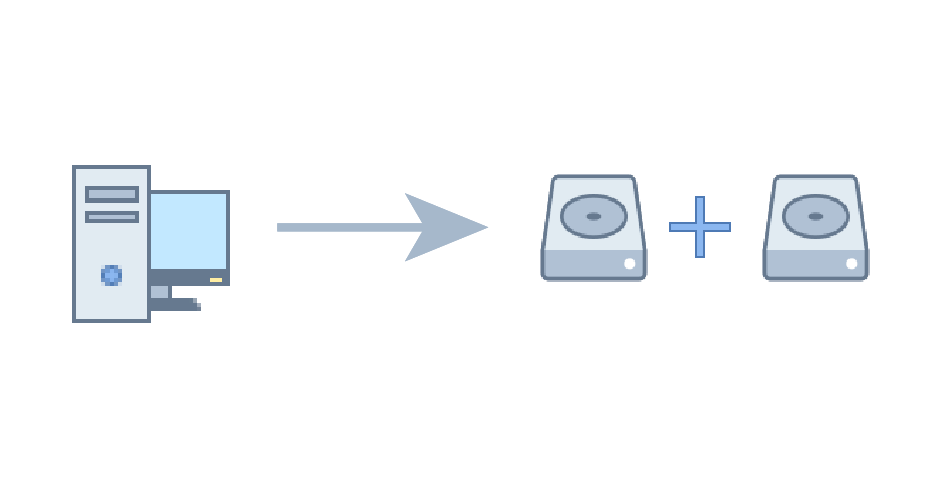
Erase 2 drives concurrently on one machine
Erase 2 drives concurrently on one machine
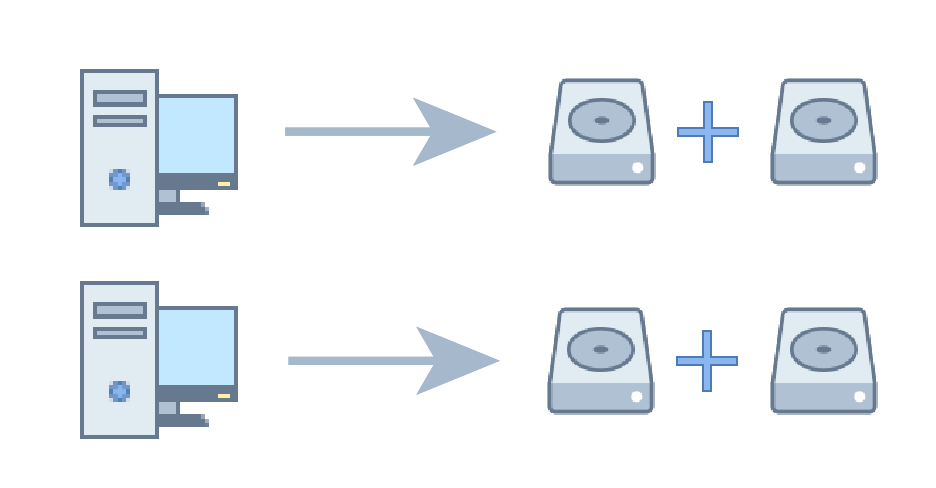
Erase 2 drives concurrently on 2 machines
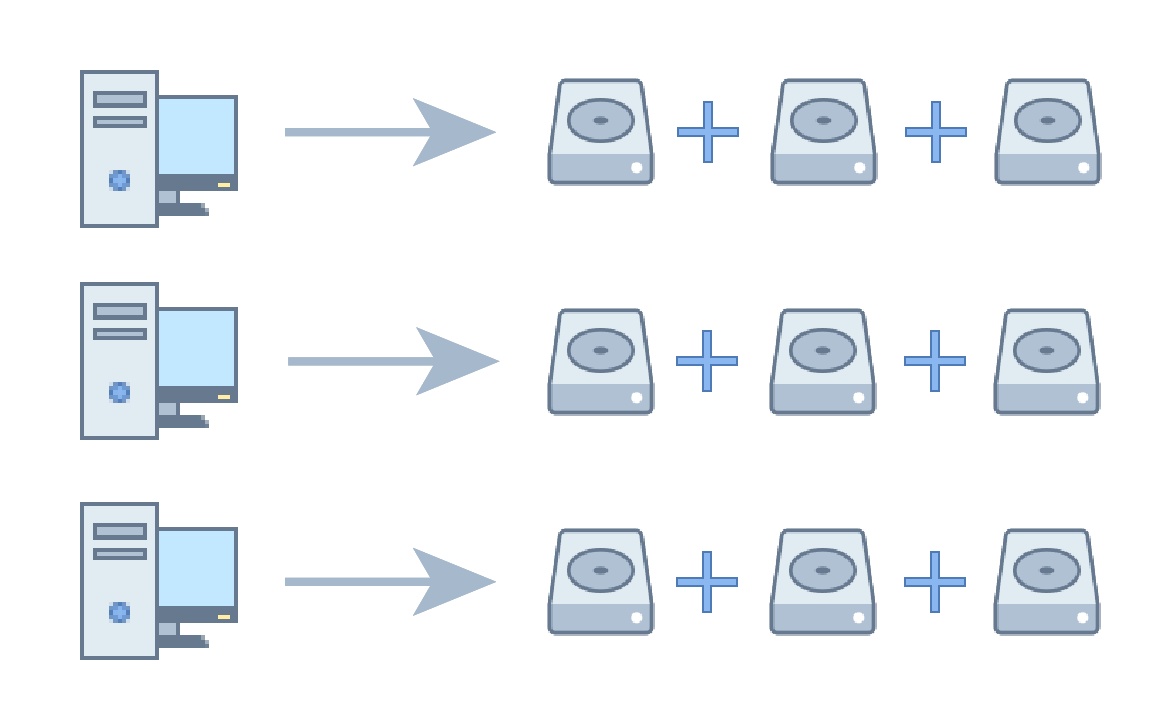
Еrase 3 drives concurrently on 3 machines
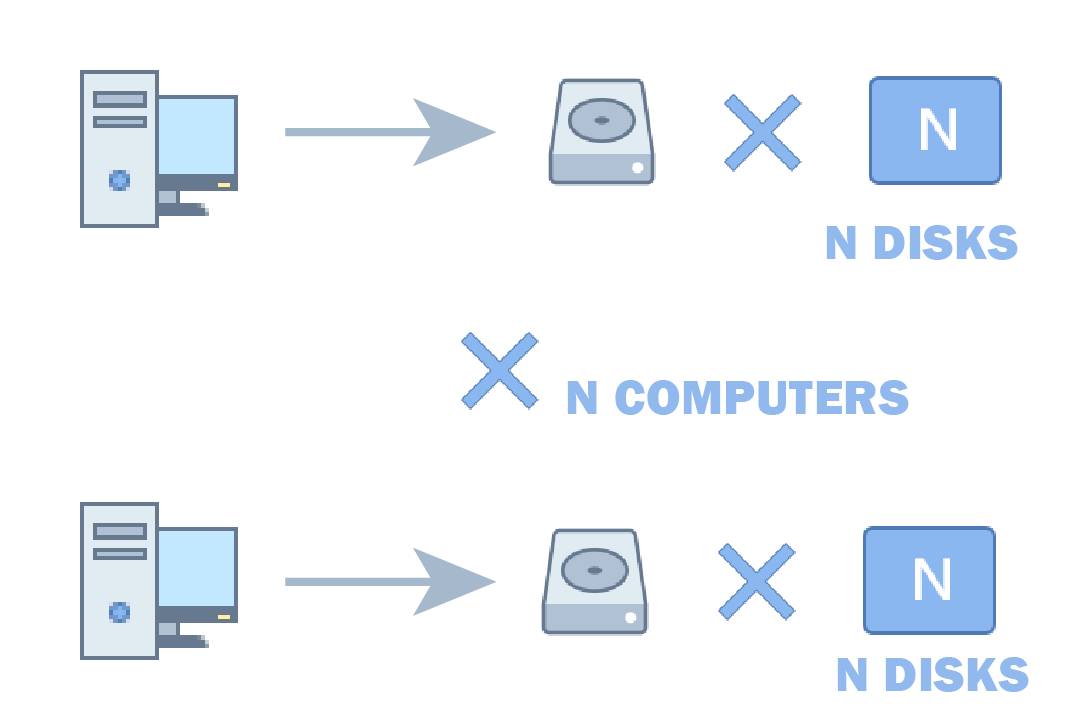
Erase N drives concurrently on N machines
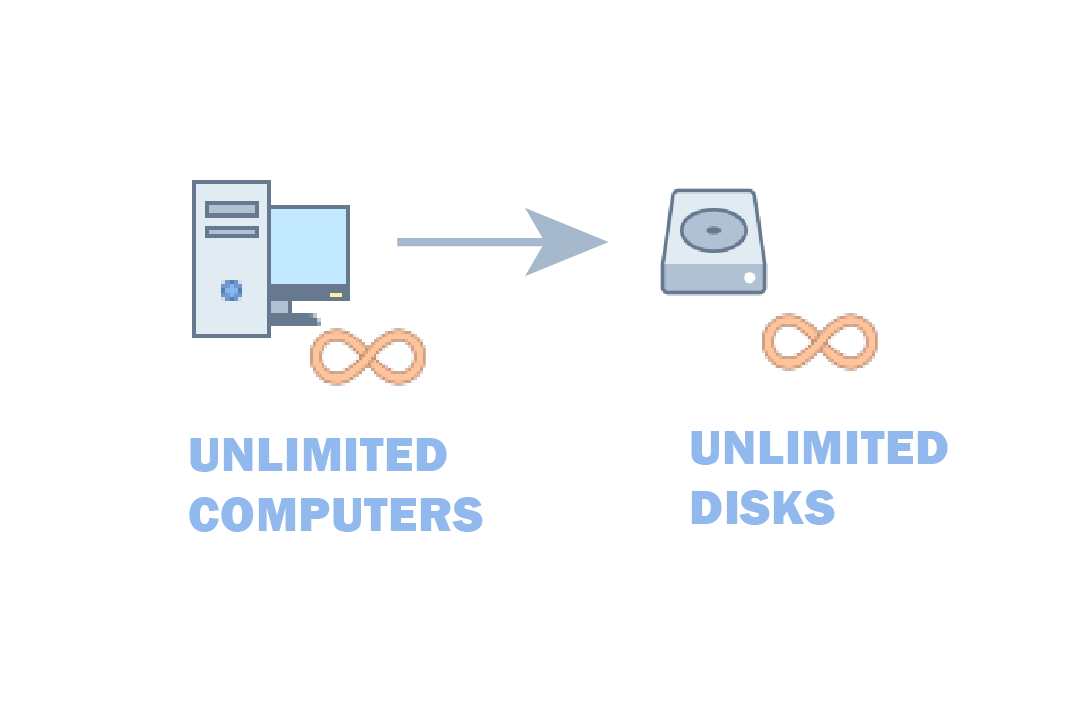
Unlimited concurrent erasures and installations
APRIL 21, by LSoft team
KillDisk offers low-level ATA Secure Erase method for Solid State Drives (SSD). According to NIST 800-88: Guidelines for Media Sanitation, Secure Erase is "An overwrite technology using firmware based process to overwrite a hard drive. Is a drive command defined in the ANSI ATA and SCSI disk drive interface specifications, which runs inside drive hardware." ATA Secure Erase is designed for SSD only (not HDD) and for SSD controllers only (not NVMe).AUGUST 8, by LSoft team
Many of our novice or semi-advanced users of our software have asked us about the famous or infamous Gutmann method and whether it is truly required for disks to be overwritten 35x for data to be securely sanitized once and for all? If you have read our blog on how to delete data you already know that US DoD 5220.22-M or any other method that has 3 passes is good enough for data sanitation. However, since our KillDisk does support Gutmann we find that some explanation is necessary, otherwise “why put something there if you are not using it?”.
Read MoreJUNE 22, by Project Reboot
What happens when a client donates laptops and computers? Is the data securely wiped?
At the video blogger Nigel Tombs from Project Reboot uses Active@ KillDisk Professional with HMG IS5 Enhanced (3 pass + verify) and emails a bespoke Sanitisation Certificate.
JUNE 13, by LSOFT TEAM
Yes! KillDisk helps hundreds of healthcare professionals comply with HIPAA standards across the U.S. by providing data sanitation software to ensure secure health information. In accordance to HIPAA standards §164.310 Physical safeguards, KillDisk provides healthcare organizations with the tools to sanitize data on storage devices prior to disposal or reuse, as well as documentation on the sanitation details in the form of KillDisk’s Certificate of Erasure to maintain accountability and records of secure data erasure.
Read More
APRIL 1, by LSOFT TEAM
If you have ever found yourself in the situation where you want to delete multiple drives, whether it is because of some confidential data that you want to get rid of or maybe some nasty virus has plagued your drives and you have no ways of removing it, then Active@ KillDisk might be the best solution for you. Active@ KillDisk is a data security application that permanently deletes any data on physical disk drives without any chance of recovering it.
Read MoreFEBRUARY 4, by LSOFT TEAM
At some point in time all of us come to a situation where privacy or business might be in danger of unwanted leaks. This does not have to be a situation where you might be an outlaw running from the police, you might just be an ordinary person who wants to sell his old HDD.
Read More